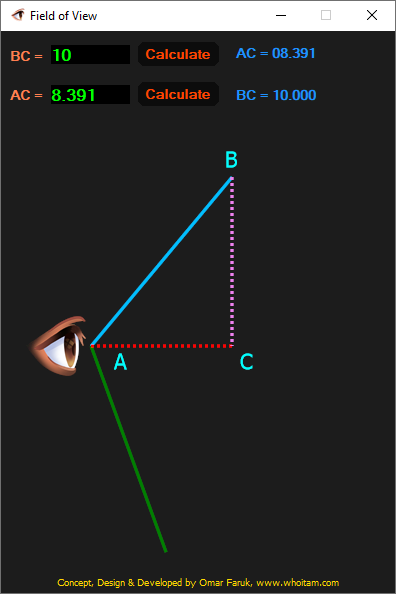
The human field of view (FOV) is the total, fixed angular area visible to both eyes without moving the head, measuring approximately 200-220 degrees horizontally and 135-150 degrees vertically.

The human field of view (FOV) is the total, fixed angular area visible to both eyes without moving the head, measuring approximately 200-220 degrees horizontally and 135-150 degrees vertically.
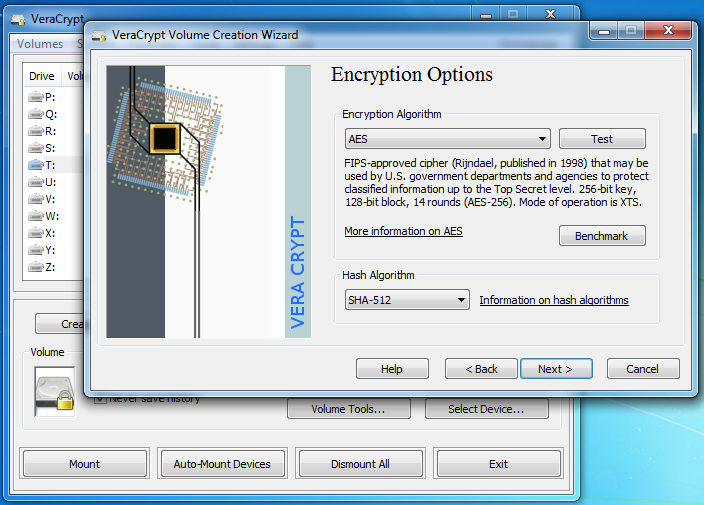
VeraCrypt is a free open source disk encryption software for Windows, Mac OSX and Linux. Brought to you by AM Crypto (https://amcrypto.jp) and based on TrueCrypt 7.1a.
VeraCrypt main features:
● Creates a virtual encrypted disk within a file and mounts it as a real disk.
● Encrypts an entire partition or storage device such as USB flash drive or hard drive.
● Encrypts a partition or drive where Windows is installed (pre-boot authentication).
● Encryption is automatic, real-time(on-the-fly) and transparent.
● Parallelization and pipelining allow data to be read and written as fast as if the drive was not encrypted.
● Encryption can be hardware-accelerated on modern processors.
● Provides plausible deniability, in case an adversary forces you to reveal the password: Hidden volume (steganography) and hidden operating system.
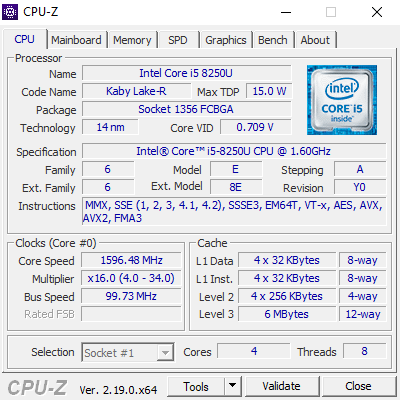
CPU-Z for Windows® x86/x64 is a freeware that gathers information on some of the main devices of your system :
● Processor name and number, codename, process, package, cache levels.
● Mainboard and chipset.
● Memory type, size, timings, and module specifications (SPD).
● Real time measurement of each core’s internal frequency, memory frequency.
● CPU-Z is fully supported on Windows® 11.
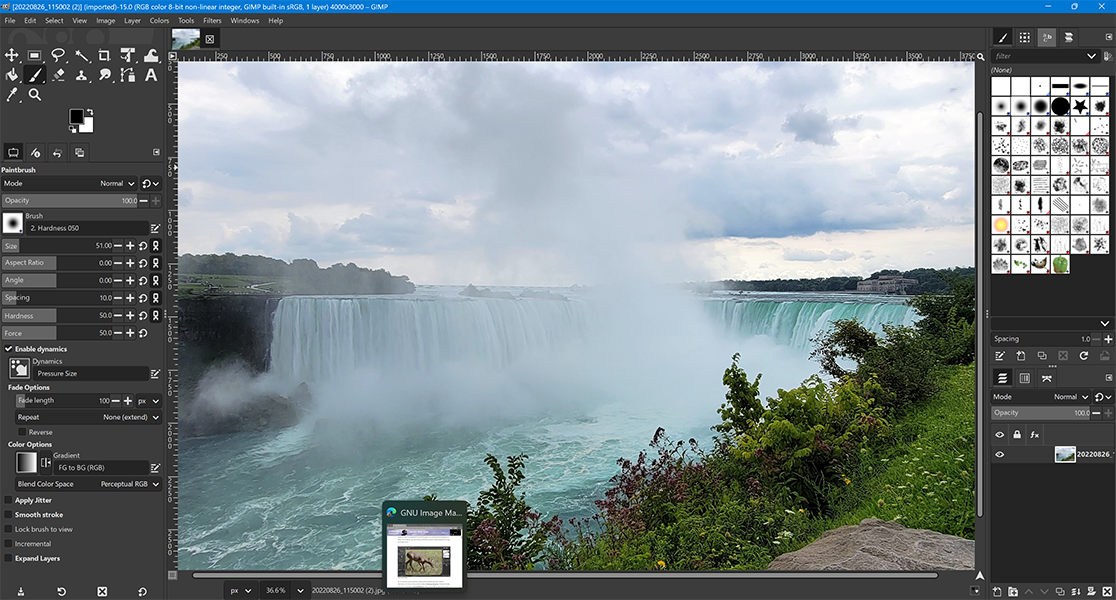
GIMP is a cross-platform image editor available for GNU/Linux, macOS, Windows and more operating systems. It is free software, you can change its source code and distribute your changes.
Whether you are a graphic designer, photographer, illustrator, or scientist, GIMP provides you with sophisticated tools to get your job done. You can further enhance your productivity with GIMP thanks to many customization options and 3rd party plugins.
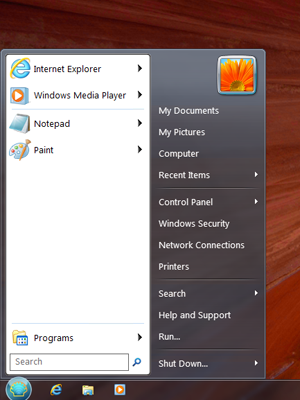
Classic Shell™ is free software that improves your productivity, enhances the usability of Windows and empowers you to use the computer the way you like it. The main features are:
•Highly customizable start menu with multiple styles and skins
•Quick access to recent, frequently-used, or pinned programs
•Find programs, settings, files and documents
•Start button for Windows 7, Windows 8, Windows 8.1 and Windows 10
•Toolbar and status bar for Windows Explorer
•Caption and status bar for Internet Explorer

Smoking is a widespread habit that has serious consequences for both personal health and public well-being. Tobacco smoke contains thousands of chemicals, many of which are harmful and can damage vital organs such as the lungs and heart. Long-term smoking is strongly linked to diseases like lung cancer, heart disease, and chronic respiratory problems. In addition to harming the smoker, secondhand smoke can also affect the health of people nearby, including children and non-smokers. Despite these risks, many people continue to smoke due to addiction to nicotine and social influences. Raising awareness about the dangers of smoking and encouraging healthier lifestyle choices can help reduce its negative impact on individuals and communities. 🚭
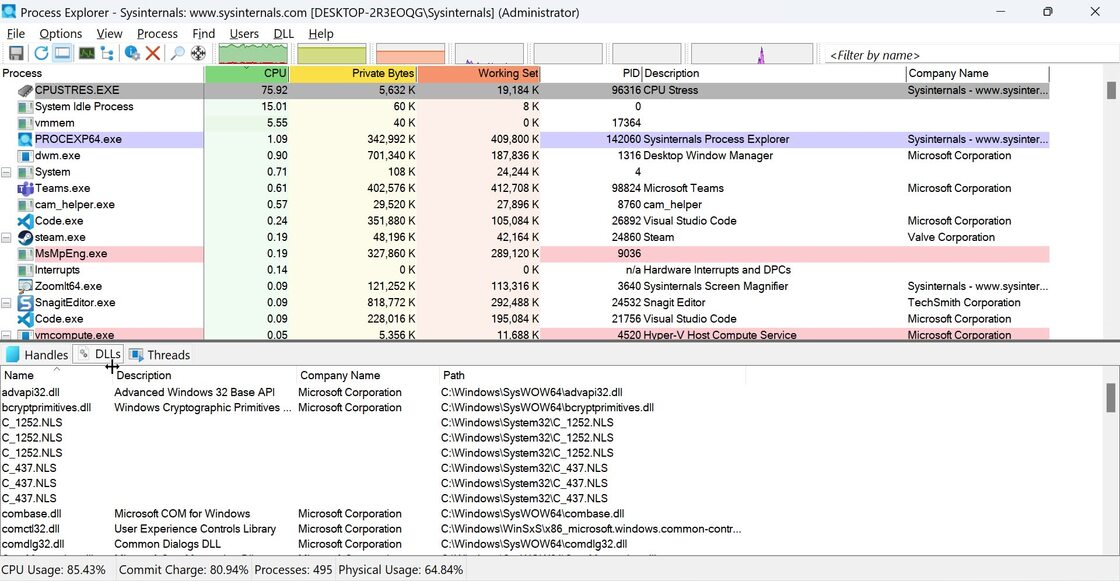
The Process Explorer display consists of two sub-windows. The top window always shows a list of the currently active processes, including the names of their owning accounts, whereas the information displayed in the bottom window depends on the mode that Process Explorer is in: if it is in handle mode you’ll see the handles that the process selected in the top window has opened; if Process Explorer is in DLL mode you’ll see the DLLs and memory-mapped files that the process has loaded. Process Explorer also has a powerful search capability that will quickly show you which processes have particular handles opened or DLLs loaded.
The unique capabilities of Process Explorer make it useful for tracking down DLL-version problems or handle leaks, and provide insight into the way Windows and applications work.

Locusts are large, migratory insects that belong to the grasshopper family and are known for their dramatic swarming behavior. Under normal conditions, locusts live solitary lives, but when environmental factors such as heavy rainfall create abundant vegetation, their population can rapidly increase. This overcrowding triggers a biological change, causing them to gather into massive swarms that can travel hundreds of kilometers in a single day. These swarms consume vast amounts of crops and vegetation, posing a serious threat to food security and agriculture, especially in arid and semi-arid regions. Throughout history, locust plagues have caused famine and economic hardship in many parts of the world. Effective monitoring, early warning systems, and coordinated control efforts are essential to reduce the devastating impact of locust outbreaks on farming communities.
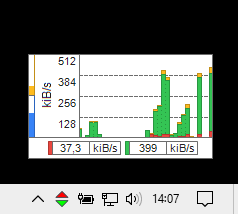
Essential network connection throughput | bandwidth usage monitor.
•Real time data rate graph.
•Network usage history.
•Quota (plan) usage meter.
•Multi-language.
•Installer & portable.
•Lightweight.
•Freeware.
