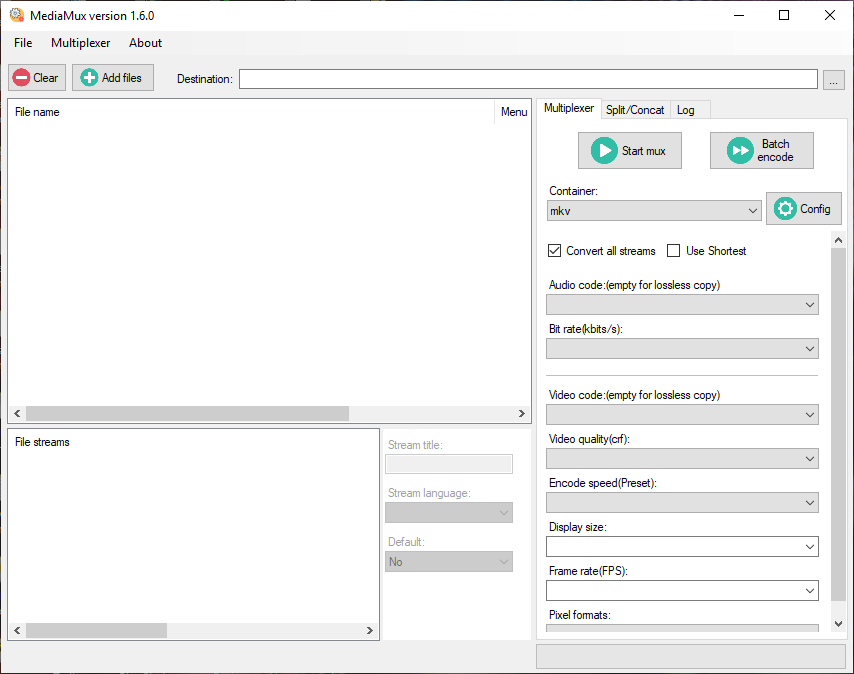
MediaMux is a windows tool for converting/muxing/split/concat videos.

Galvanization or galvanizing is the process of applying a protective zinc coating to steel or iron, to prevent rusting. There are two types of galvanization:
1.Electro Galvanization or Electro-Plating.
2.Hot-dip Galvanization.
Galvanization protects the steel or iron underneath and can therefore extend the lifespan of metal parts.
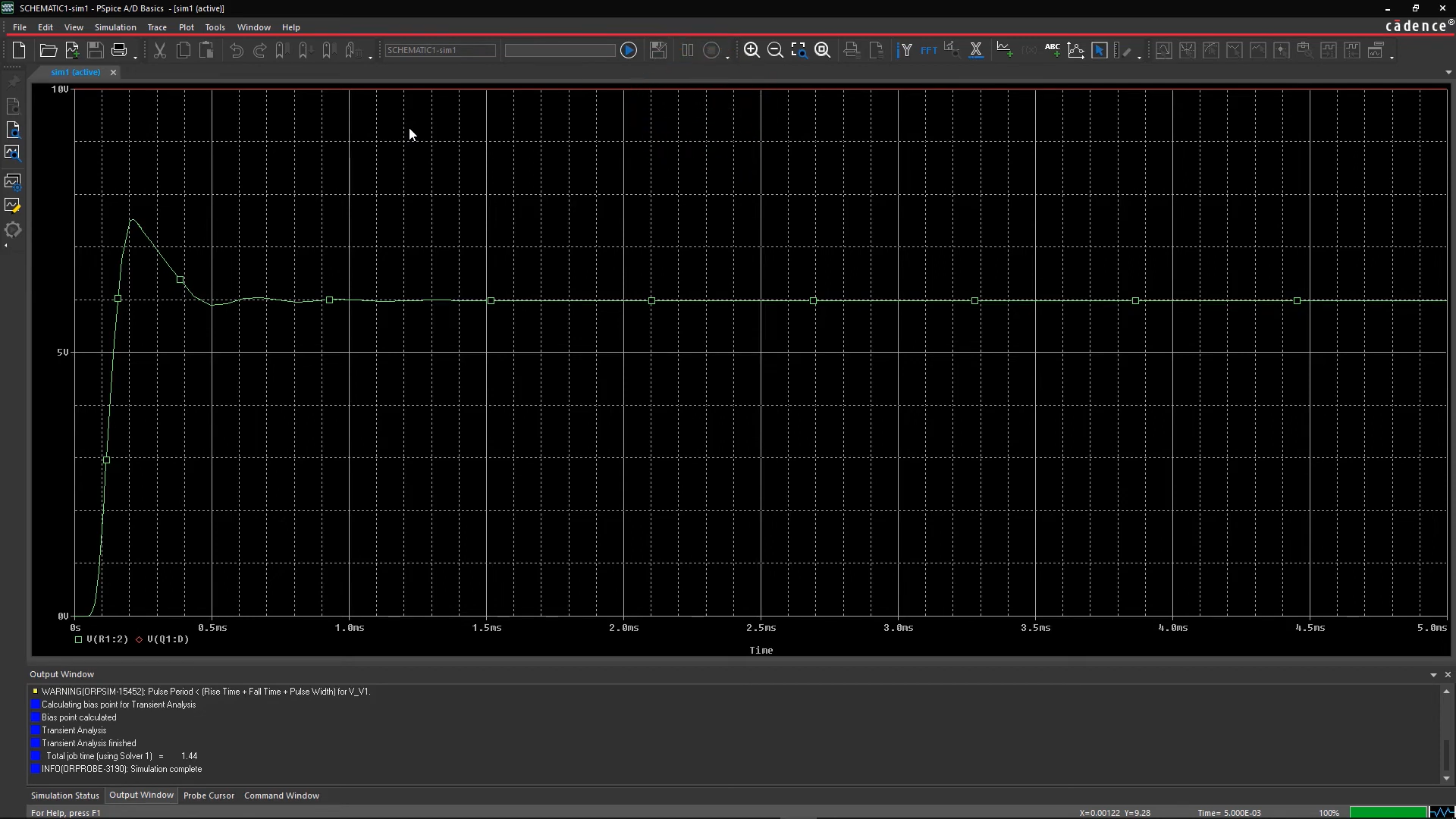
PSpice is used for the simulation of circuits. PSpice is owned by Cadence Design Systems intended for the simulation of electronic circuits. It is a complete circuit simulation and verification solution.
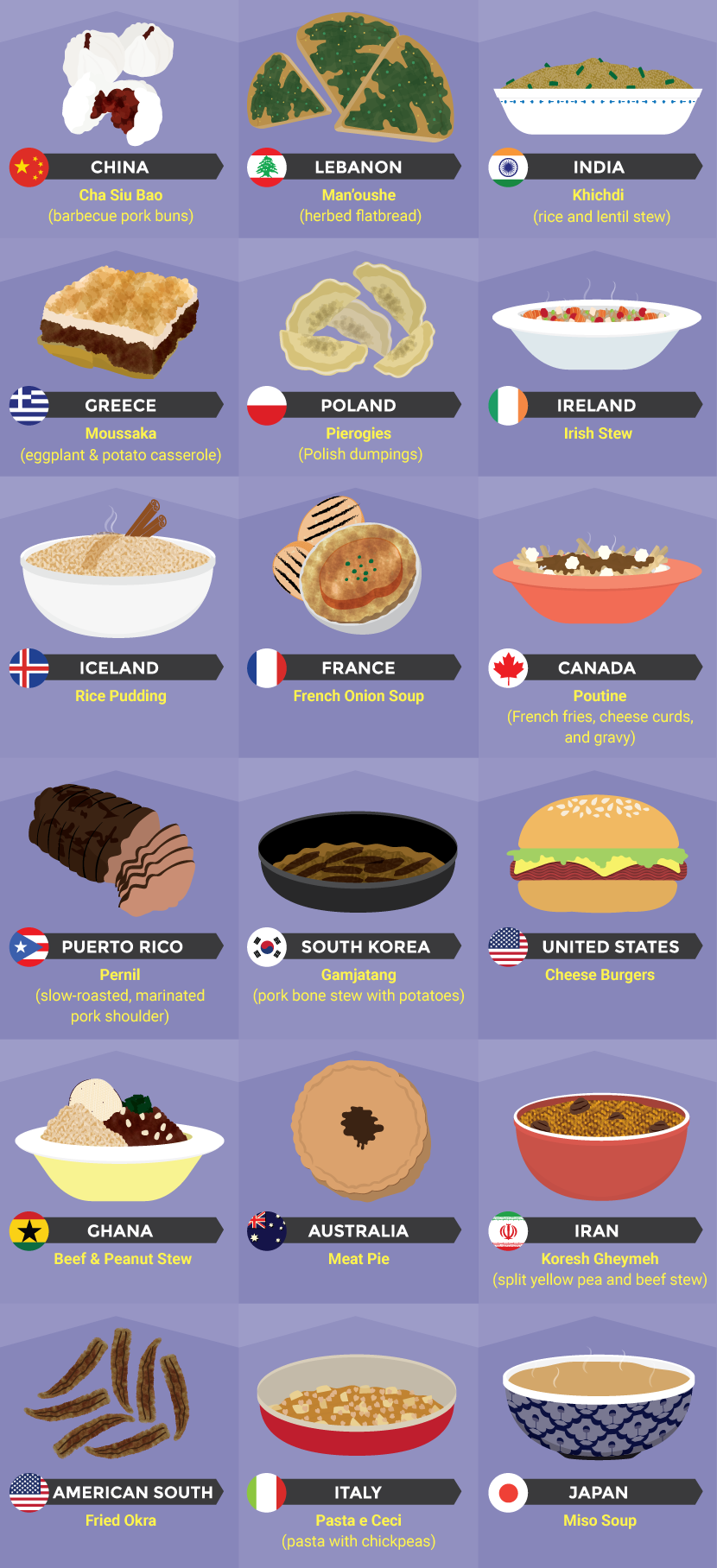
A national dish is a culinary dish that is strongly associated with a particular country.
In the late 19th century, the German psychologist, Hermann Ebbinghaus tested his memory over various periods of time. Once he’d gathered all the data from his spaced learning studies, he plotted it on a graph that looked a little something like this:
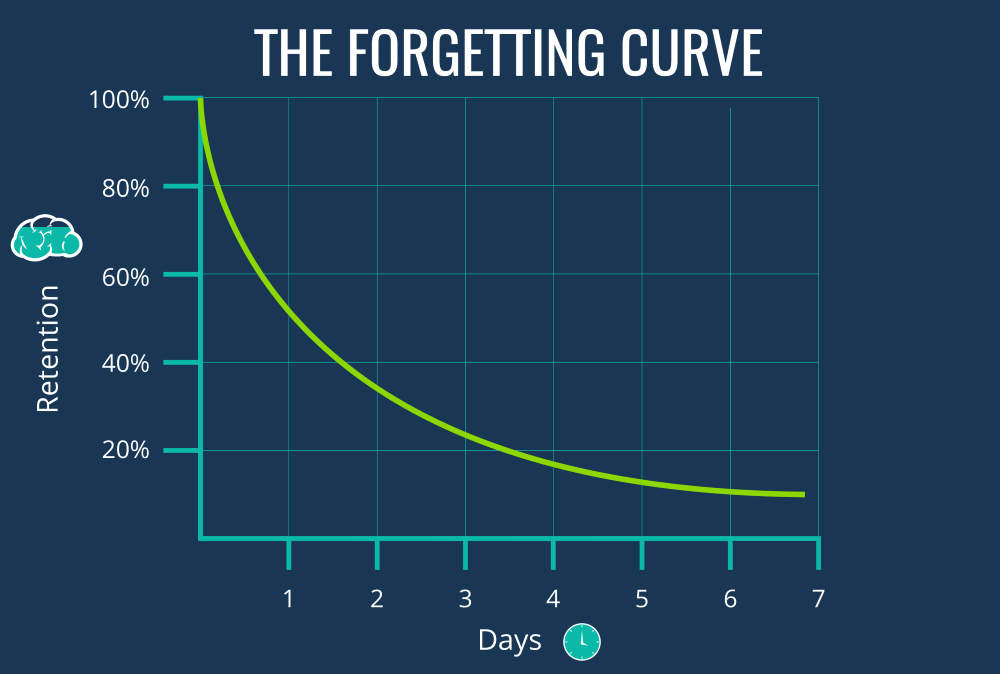
The formula with which the Ebbinghaus curve of forgetting is calculated is the following: R = exp(-t/S), with R symbolizing memory retention, t symbolizing time, and S the relative strength of the memory.